
What Produfoto does — and how
Built for secondhand and re-commerce teams. Upload product photos, get a complete catalog sheet back.
Automatic catalog generation
Photos in. Complete product listing out.
Take a few photos of the product and its labels. Produfoto reads the brand, looks up the model online, finds the market price, reads the size, and grades the condition. Everything fills in automatically. Download a spreadsheet and import it straight to your shop.
How it works:
Photograph each item and its labels — brand tag, size label, condition sticker
Produfoto identifies the product, looks up the price, and fills in all the details
Download a complete listing — ready to import to your webshop or marketplace
Why it matters: Under 30 seconds per product through the full pipeline — brand ID, price lookup, size extraction, condition grading. Output is a ready-to-import spreadsheet. Start with a sample output, then scope a paid pilot around your workflow.

Packshot Generation
Studio-quality product shots from your existing photos.
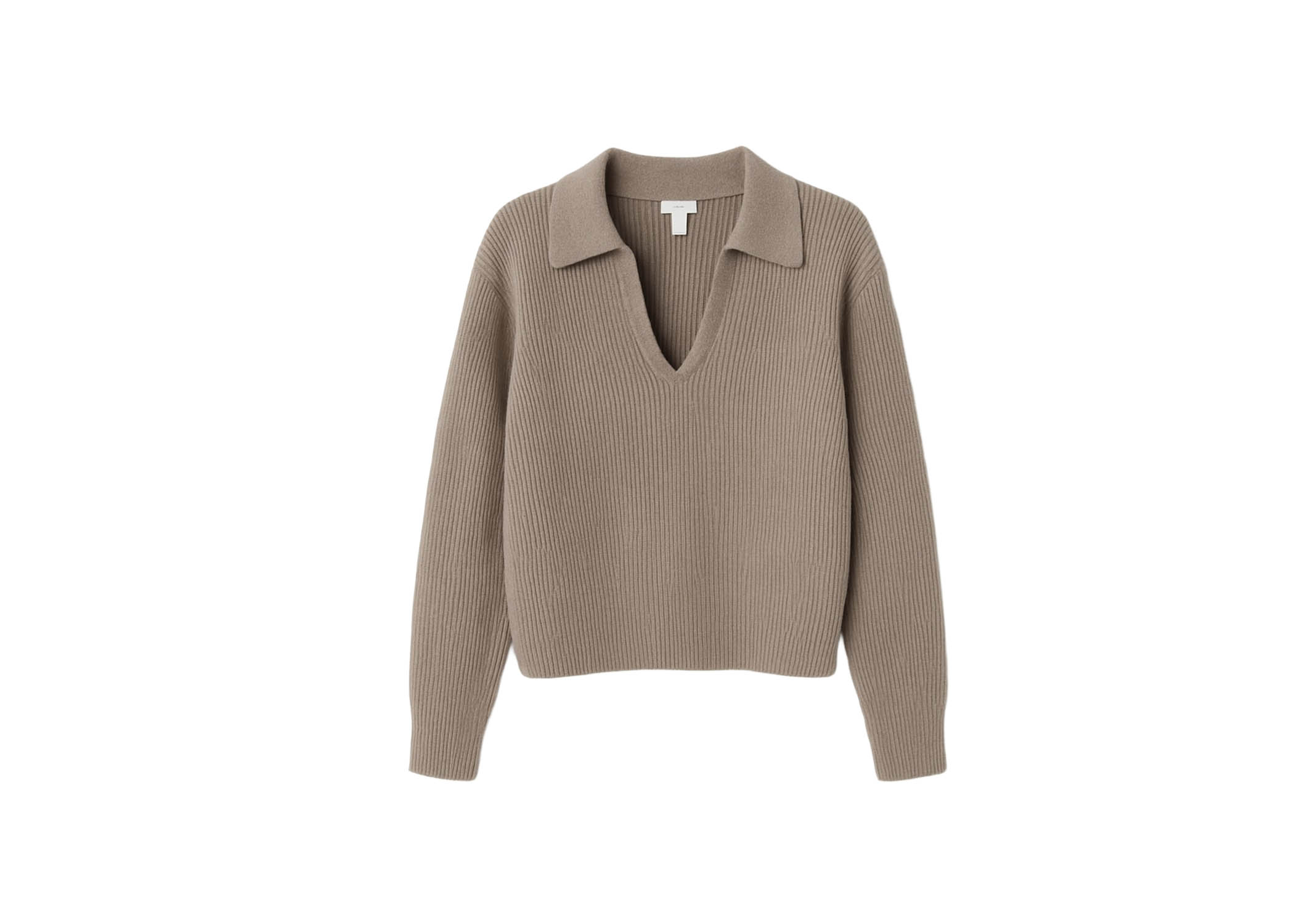
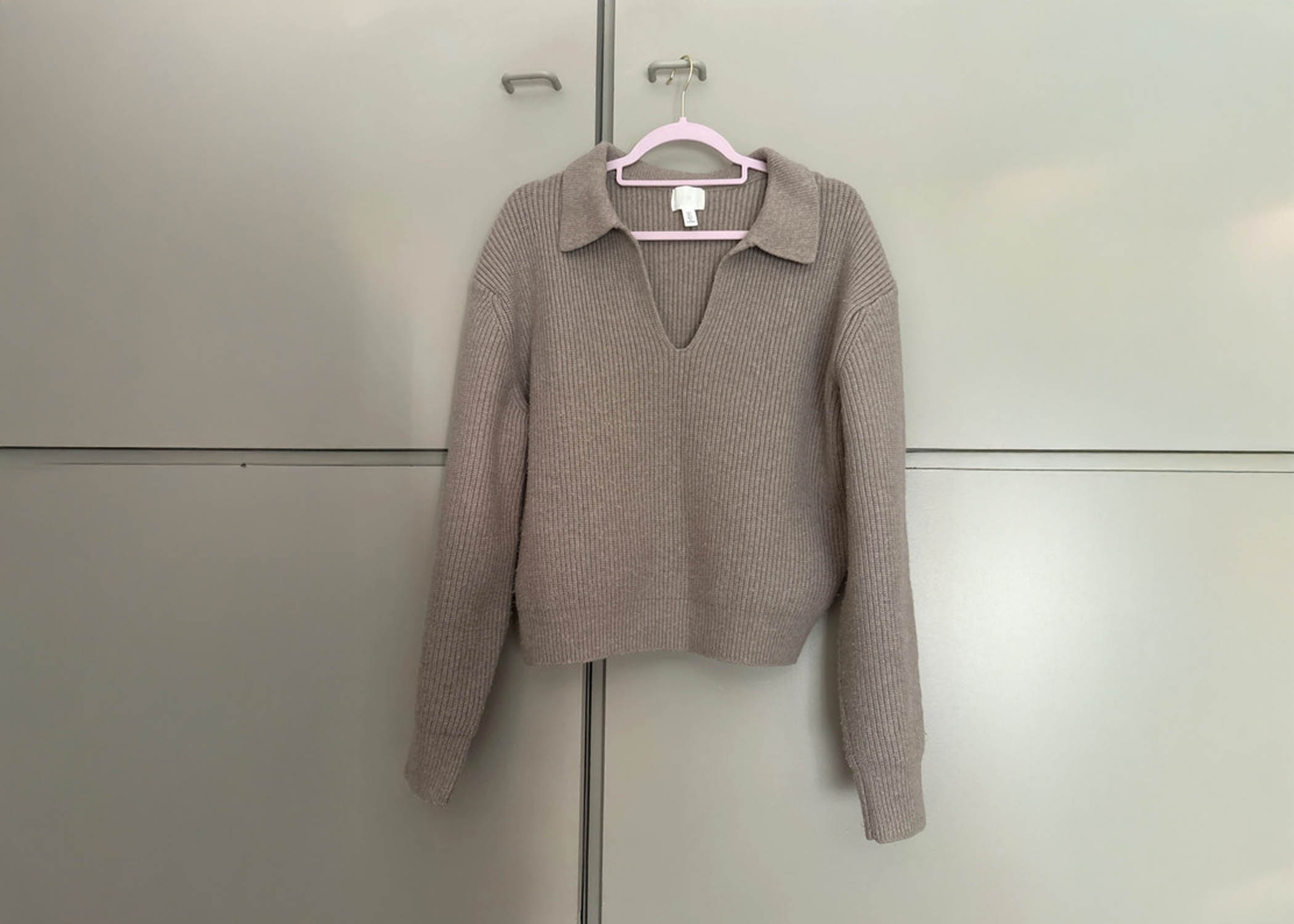
Turn any product photo — hanger, flat lay, fixture — into a clean studio packshot. Background removed, product centered, ready for webshop listing.
How it works:
Upload a product photo (hangers, fixtures, any angle or background — all OK)
Background, hangers, and display fixtures are removed automatically
Choose your background style and get consistent, professional packshots
Why it matters: For teams that need clean product images alongside catalog data — packshots generated automatically from the same photos used for cataloging.
Model Photography
Products on realistic models, without a photoshoot.
Place clothing on realistic models at scale. Fashion teams and vintage webshops get styled imagery from their existing product photos — no photoshoot required.
How it works:
Upload clothing item photos (flat lays, hangers, or worn)
Choose from diverse models or upload your own reference
Get realistic model photos with natural fit and styling
Why it matters: For fashion teams and vintage webshops that need styled imagery — products shown on realistic models without the cost or logistics of a photoshoot.
Shop The Look
Complete outfit photos from individual items.
Create outfit visuals from mixed inventory as an optional add-on for shops that already need catalog automation.
How it works:
Upload multiple clothing items (top, bottom, shoes, accessories)
Select a model or upload your own reference photo
AI generates complete outfit photos with natural styling and fit
Why it matters: Secondary add-on for shops that want outfit visuals from mixed inventory.

Product Data Generator
Structured product data like SKU, GTIN, categories.
Generate lighter product-data extraction as an add-on when a full catalog pipeline is more than the workflow needs.
How it works:
Upload product images for analysis
AI generates comprehensive specifications, features, and technical details
Export structured product data in your preferred format (CSV, JSON, XML)
Why it matters: Useful for lighter product-data extraction, but the catalog pipeline is the primary workflow for re-commerce teams.
Product Descriptions
SEO-friendly descriptions that convert.
Generate listing copy as an add-on after brand, size, condition, material and price fields are structured.
How it works:
Upload product images and basic details
AI analyzes the product and generates engaging, keyword-rich descriptions
Customize tone, length, and style to match your brand voice
Why it matters: Get SEO-ready product copy without writing it yourself. Generated from the product image.
Produfoto vs. doing it by hand
Everything that takes minutes per item manually, Produfoto does in seconds.
| Cataloging step | Produfoto pipeline | Manual process |
|---|---|---|
| Brand & model identification | ✓ Automated | ✗ Manual / slow |
| Market price lookup | ✓ Automated | ✗ Manual / slow |
| Size | ✓ Automated | ✗ Manual / slow |
| Colors & materials | ✓ Automated | ✗ Manual / slow |
| Condition | ✓ Automated | ✗ Manual / slow |
| Ready-to-import listing | ✓ Automated | ✗ Manual / slow |
| ESPR/DPP data-ready fields | ✓ Automated | ✗ Manual / slow |
Time per product
Under 30 seconds
vs 2–5 minutes
Scales with volume
Add 1 person + app
vs Linear manual work
Size accuracy
Always verified
vs Often wrong
Output
Import-ready file
vs Manual spreadsheet
See it for yourself
Start with a real sample output or scope a paid pilot before committing to a monthly setup.